Your smartphone is a gateway to your personal and professional life and securing it should be a top priority.
Stay Secure in an Era of Digital Vulnerability
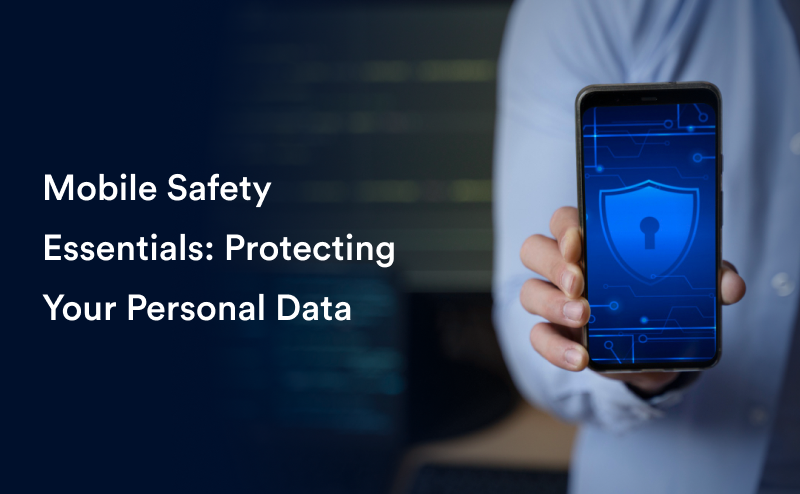
Mobile phones have become an extension of our personal and professional lives, storing sensitive information such as banking details, emails, personal messages, and confidential business data. However, if not secured properly, mobile devices can be a prime target for cybercriminals.
At Finstein Cyber, we believe that protecting your personal data should be a top priority. In this guide, we’ll cover essential mobile security practices, from strong authentication and app permissions to data encryption, helping you safeguard your digital presence.
1. Secure Your Phone with Strong Authentication
Your first line of defense is a strong lock method. A weak PIN or passcode can make it easier for attackers to gain access to your phone.
🔹 Best Practices for Authentication:
- Use a hard-to-guess PIN or, preferably, an alphanumeric passcode that is not linked to personal details (e.g., birthdates).
- Enable biometric authentication (fingerprint or facial recognition) for additional security.
- Activate Two-Factor Authentication (2FA) for important accounts and apps, ensuring an extra security layer.
Even if your password is compromised, MFA and biometrics make unauthorized access significantly harder.
2. Be Selective with Apps and Permissions
Not all apps are trustworthy. Many collect excessive user data, while some can be malicious if downloaded from unofficial sources.
🔹 How to Protect Your Privacy:
- Download apps only from official stores (Google Play Store or Apple App Store).
- Check app reviews and verify the developer’s background before installation.
- Review app permissions — be cautious if an app requests unnecessary access to contacts, messages, camera, or location.
Restricting permissions helps prevent data leaks and unauthorized access, reducing the risk of spyware and malware.
3. Enable Encryption for Sensitive Data
Encryption is a powerful security tool that converts your personal data into unreadable code, preventing unauthorized access — even if your device is stolen.
🔹 How Encryption Protects You:
- Ensures that sensitive data remains secure while stored or transmitted.
- Most modern smartphones enable encryption by default — check if it’s active.
- Use end-to-end encrypted messaging apps for private conversations.
If your phone is lost or stolen, encryption ensures that hackers cannot access your stored information without the correct decryption key.
Final Thoughts: Take Control of Your Mobile Security
Your smartphone is a gateway to your personal and professional life and securing it should be a top priority. By following these mobile safety essentials — strong authentication, careful app permissions, and data encryption — you can greatly reduce the risk of privacy breaches.
At Finstein Cyber, we are committed to empowering individuals with cybersecurity knowledge. Take these steps today to protect your data and stay one step ahead of cyber threats.
💡How do you protect your phone? Share your thoughts in the comments!
🔒 For expert insights, visit cyber.finstein.ai
Mobile security | Cybersecurity | Data protection | Phone encryption | Secure authentication | Two-Factor Authentication | App permissions | Privacy protection | Mobile encryption | Device security
#MobileSecurity #CyberSecurity #DataProtection #PhoneEncryption #SecureAuthentication #TwoFactorAuthentication #AppPermissions #PrivacyProtection