How BitB attacks turn safe habits into risks.
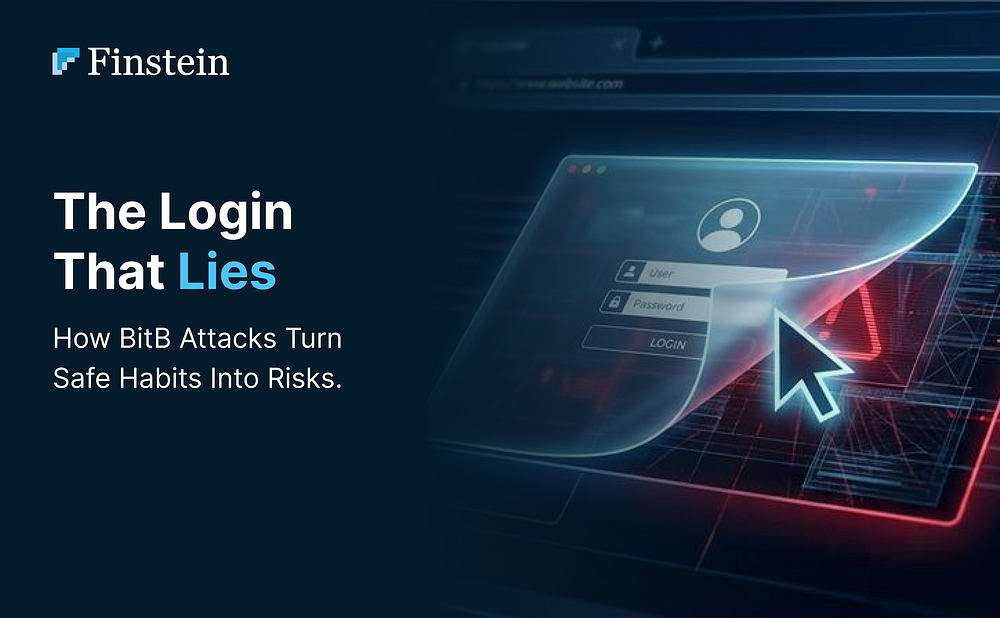
You are browsing a website and decide to log in using your Facebook account. A small, familiar window pops up. It has the correct URL, the padlock icon, and the perfect Facebook branding.
You enter your email and password, but nothing happens. In that exact moment, you haven’t logged in; you have just handed your keys to a hacker.
This is the “Browser-in-the-Browser” (BitB) attack. It is one of the most sophisticated ways hackers are bypassing our natural suspicion.
The Illusion of Safety
For years, we have been told to “check the URL bar.” If it says facebook.com and has a lock icon, we assume we are safe.
The BitB attack breaks this rule. Hackers aren’t actually opening a new window. Instead, they use clever code (HTML and CSS) to create a “fake” window inside the website you are already visiting.
This fake window is a digital replica. It can display any web address the hacker wants. Because it looks like a separate browser window sitting on top of your screen, your brain treats it as a legitimate system pop-up rather than part of a malicious site.
How the Trap Is Set
The process usually starts with a phishing email or a malicious link on a social media forum, often alleging a copyright violation or an account suspension. You click the link and arrive at a site that looks normal, perhaps a professional appeal page or a captcha portal.
When you click “Login with Facebook,” the fake window appears. Since you can move this window around your screen and it shows the correct security icons, it feels authentic.
The moment you type your credentials, they are sent directly to the attacker’s server. They can then use your Facebook access to:
- Steal your personal data and identity.
- Run malicious ads using your saved payment methods.
- Send scam links to your entire friend list from your trusted account.
Why It Is So Effective
This technique works because it exploits our habits. We have been trained to trust certain visual cues, like the address bar.
Because the attacker is simulating a browser window within a browser, traditional security tools that check for “malicious URLs” often miss the threat. The main website might look clean, while the “window” inside it is the poison pill.
How to Protect Yourself
Stopping a BitB attack requires looking past the visual surface. Here is how you can stay safe:
- The Drag Test: Try to drag the login pop-up outside the edges of your main browser window. A real window can move anywhere on your screen. A fake BitB window will disappear or get cut off if you try to pull it past the border of the website.
- Use a Password Manager: This is your best defense. A password manager will only auto-fill your details if the website is 100 percent genuine. If your manager refuses to fill in your Facebook details, the window is likely a fake.
- Enable 2FA: Even if a hacker steals your password, two-factor authentication can block them from actually entering your account.
This is where Finstein helps you see the high-risk patterns in your organization before an attacker does. We provide the tools to harden your infrastructure so that a single human mistake does not lead to a total data leak. Our platform identifies hidden vulnerabilities and monitors for suspicious behaviors that signal a social engineering attempt is in progress.
In a world where hackers are getting better at acting human, your defense needs to be more intelligent.
Don’t wait for a data leak to happen.
Reach out to our experts at https://cyber.finstein.ai
#CyberSecurity #OnlineSafety #Phishing #BrowserSecurity #Finstein #InfoSec #TechTips #SafeBrowsing #DataProtection #BitB